
How to Use - From Start to Chat
August 19, 2026
Do you want to show a friend what's on your screen right now? With BoaBa, you don't need to sign up or install anything. Just one link is enough. Here are five simple steps: start sharing, send the link, choose what to share, watch as a friend, and chat.
1. Start Sharing
Go to boaba.net and click the "Start Screen Sharing" button. The app needs 2 to 3 seconds (up to 10 seconds) to get your session ready. Then you go straight to the sharing screen.

2. Share the Link
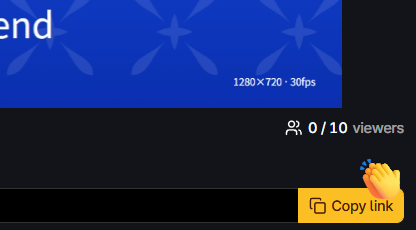
When you reach the sharing screen, a link is already there at the top. Click "Copy link" to copy it. Paste it into any chat app and send it to your friend. You can send the link even before you pick what to share.
3. Choose What to Share
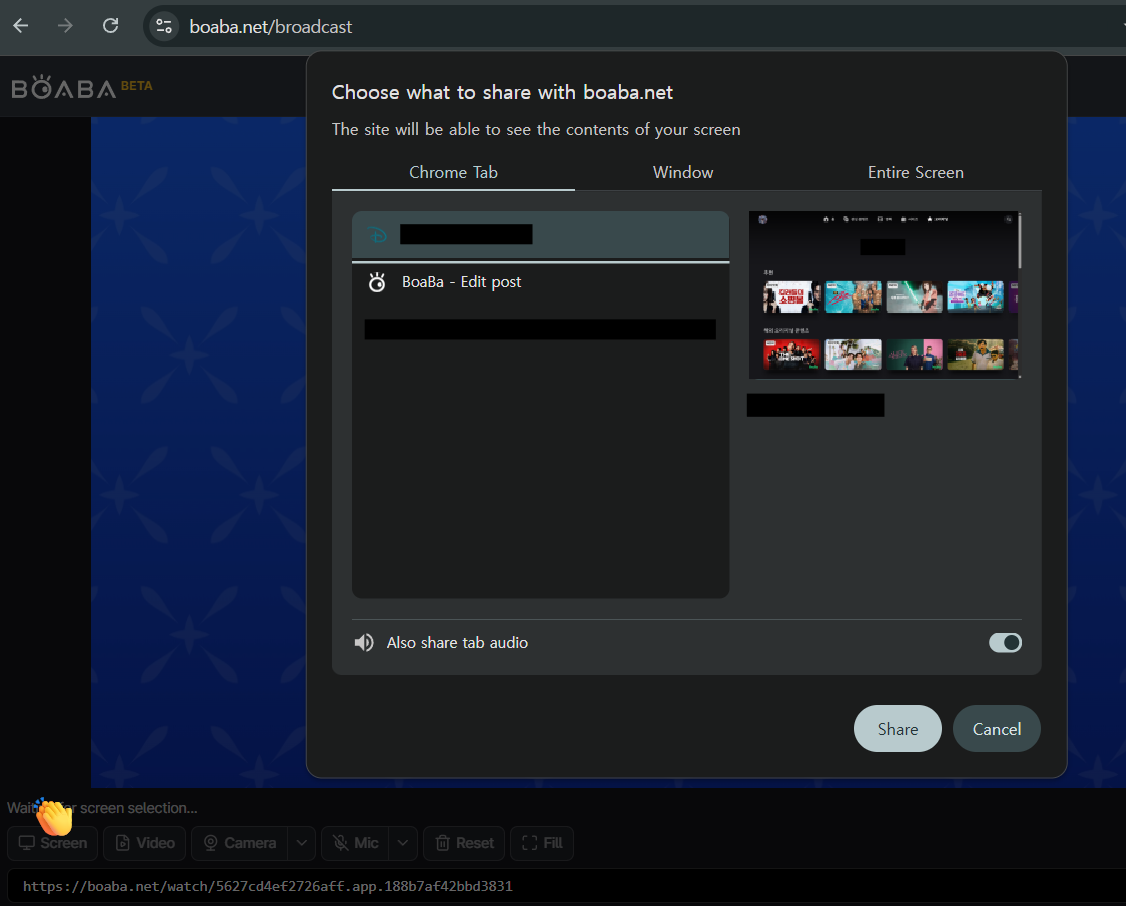
Click the "Screen" button. Your browser opens a window where you pick what to share: your whole screen, one window, or one browser tab. As soon as you pick one, sharing starts right away.
You can switch to a "Video" file or your "Camera" at any time during the session. The link stays the same, so your friend does not need to click it again — only the screen changes.
4. Your Friend Watches the Link
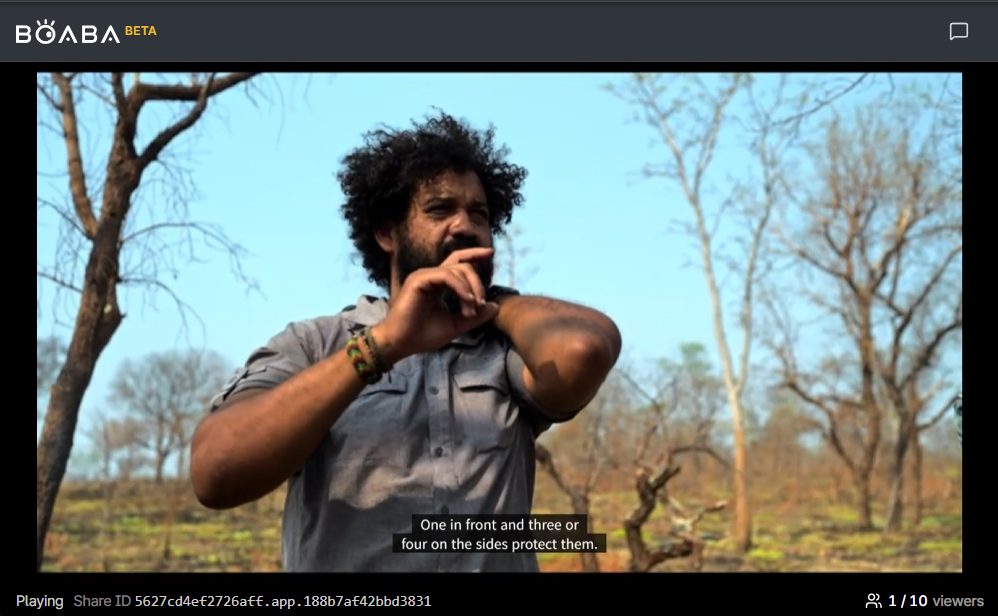
Your friend just clicks the link. It opens right in their browser — no login, no app to install. It connects and starts playing on its own. The sound may start muted, so your friend may need to click the speaker icon on the player to turn the sound on.
At the bottom of the screen, your friend can see the Share ID and how many people are watching. When you stop sharing, your friend sees a message that says "Screen sharing has ended."
5. Chat
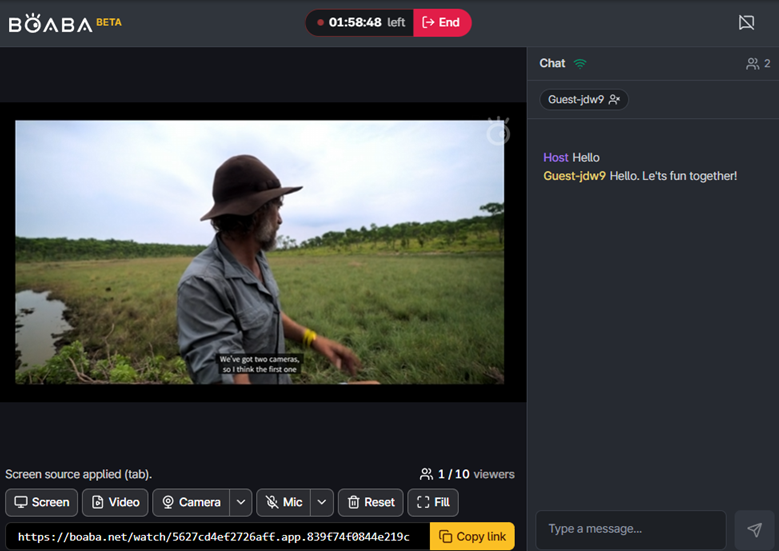
Click the chat icon at the top right to open the chat panel. Both you and your friend can use it the same way. Type a message and press Enter to send it. If the chat panel is closed, new messages still show up as a small number on the chat icon.
If someone in the chat is causing trouble, you (the host) can remove that person from the list.
That's all you need to start using BoaBa: start sharing, send the link, pick what to share, your friend clicks the link, and chat.