
Getting started with Boaba
August 19, 2026
Boaba lets you share your screen, video, or camera with others directly from your browser.
No account or installation is required. Start a sharing session, send the viewing link, and your viewers can watch instantly.
1. Start a Sharing Session
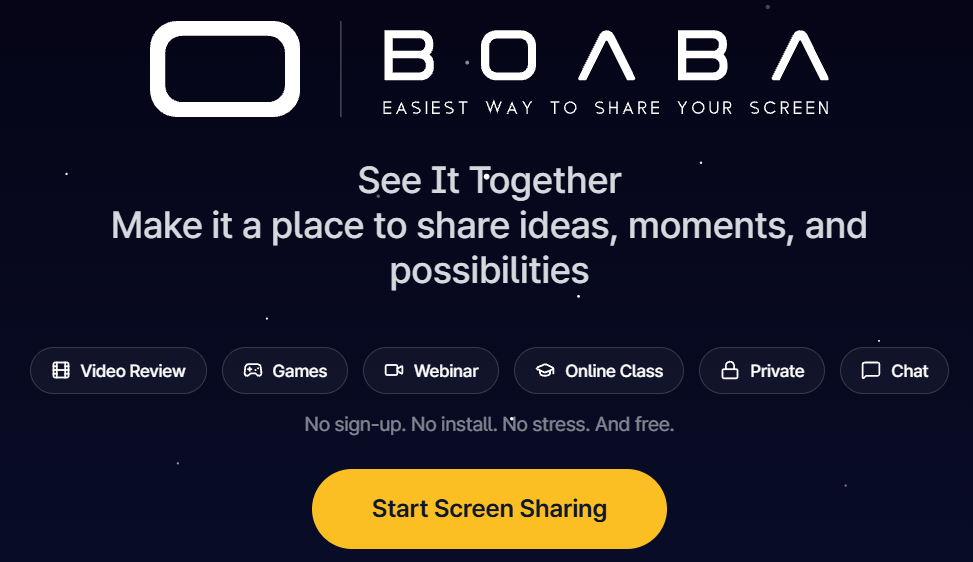
Go to boaba.net and select Start Screen Sharing.
Boaba prepares your sharing session. This usually takes 2–3 seconds, but it may take up to 10 seconds.
When the session is ready, the sharing screen opens automatically.
2. Copy and Share the Viewing Link
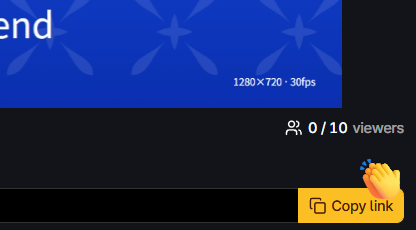
Your viewing link is available as soon as the sharing session starts.
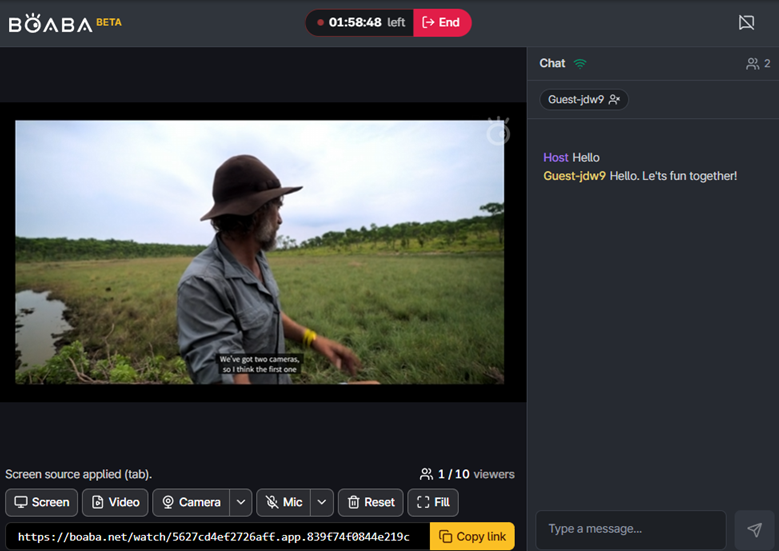
Select Copy Link to copy the link, then send it to the people you want to watch your stream.
You can share the link before selecting a screen, video, or camera. The same link remains active throughout the session.
3. Choose What to Share
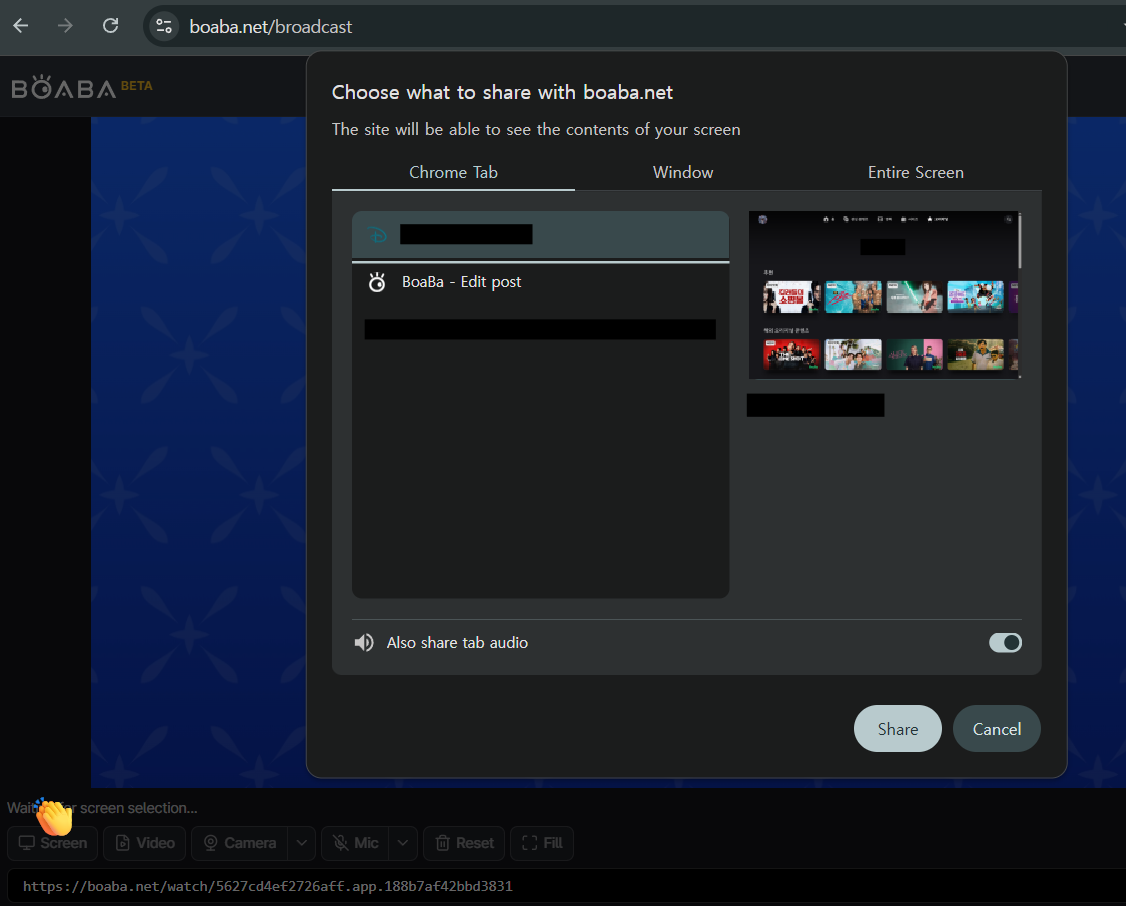
Select Screen to share your screen.
Your browser will ask what you want to share. You can choose:
- Entire Screen — Share everything displayed on your screen.
- Window — Share a specific application window.
- Browser Tab — Share a single browser tab.
Select a source to start sharing immediately.
4. Watch the Stream
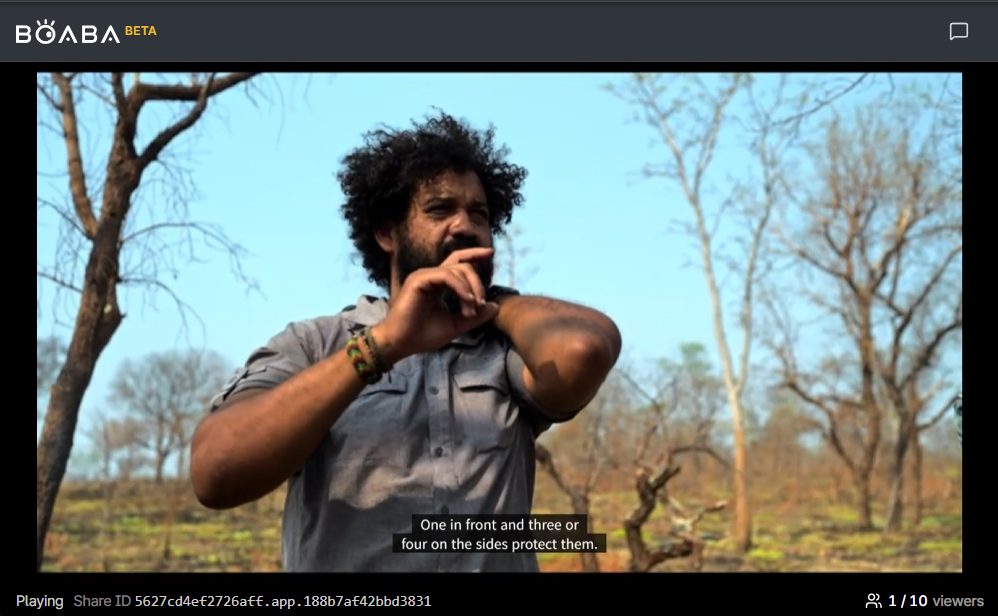
Viewers can open the viewing link in any supported web browser.
No account or installation is required. The stream connects automatically when the viewer opens the link.
Turn On Audio
The player may start with the sound muted.
If there is no sound, select the speaker icon on the player to turn the audio on.
Check the Session
Viewers can check the Share ID and the current number of viewers during the session.
When you stop sharing, the viewer will see a message indicating that the sharing session has ended.
5. Use Chat
Boaba includes a built-in chat for communicating with your viewers during a sharing session.
Select the Chat icon to open the chat panel.
Enter your message and press Enter to send it. Both the host and viewers can use the chat.
When the chat panel is closed, a notification appears on the Chat icon when a new message arrives.
Manage Viewers
As the host, you can remove a viewer from the session if necessary.
You're Ready to Use Boaba
That's all you need to get started:
Start a session → Share the link → Choose what to share → Let your viewers watch → Chat
No account. No installation. Just start sharing.